
Jira to ServiceNow Integration – Quick Link

ServiceNow Jira Integration

First Install Jira Application spoke in our Plugins
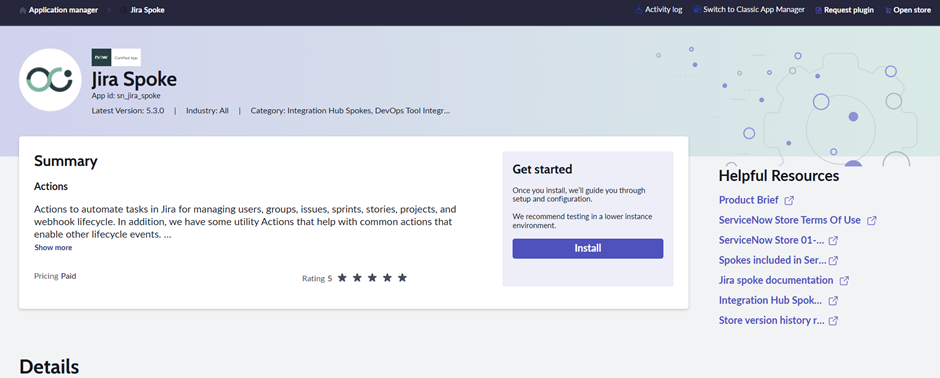
image

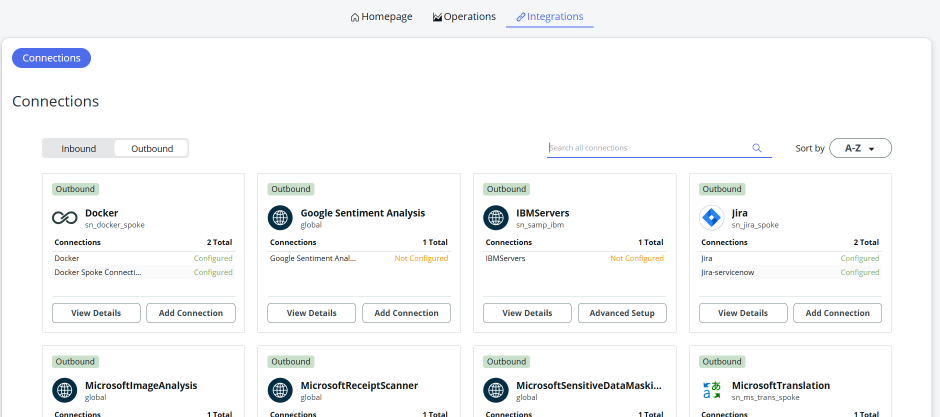
Now Go to Flow designer and open integrations
image

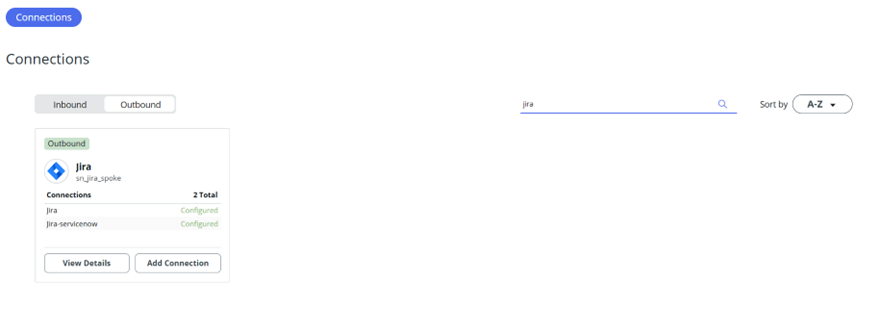
Search Jira Application

image

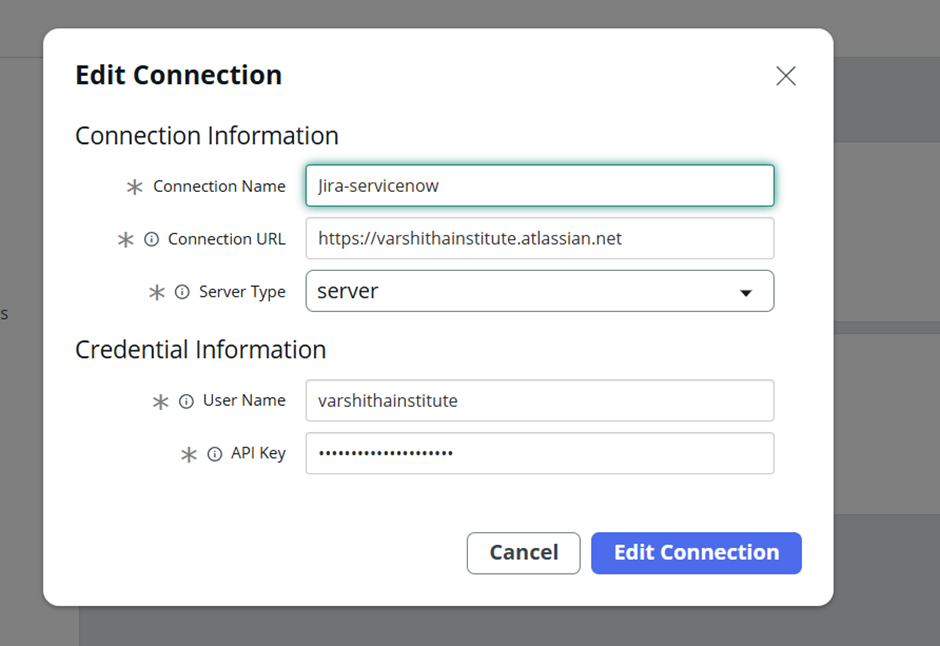
Click on Add Connection

And provide necessary details
image

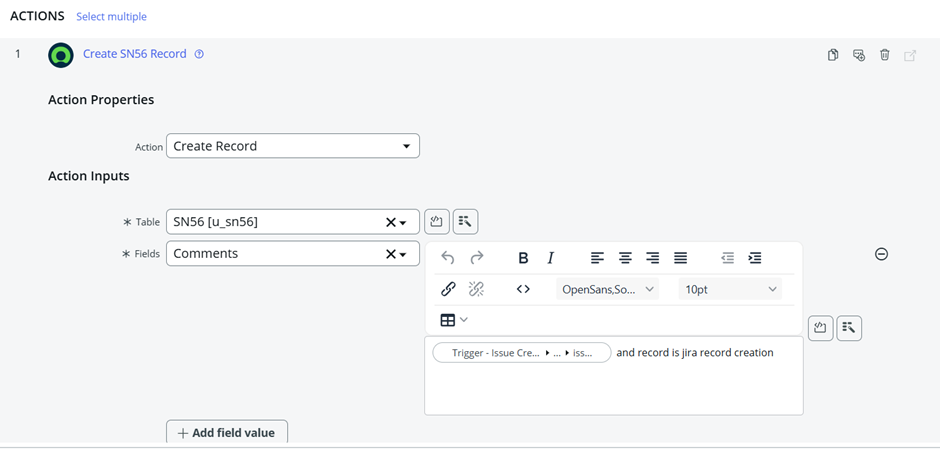
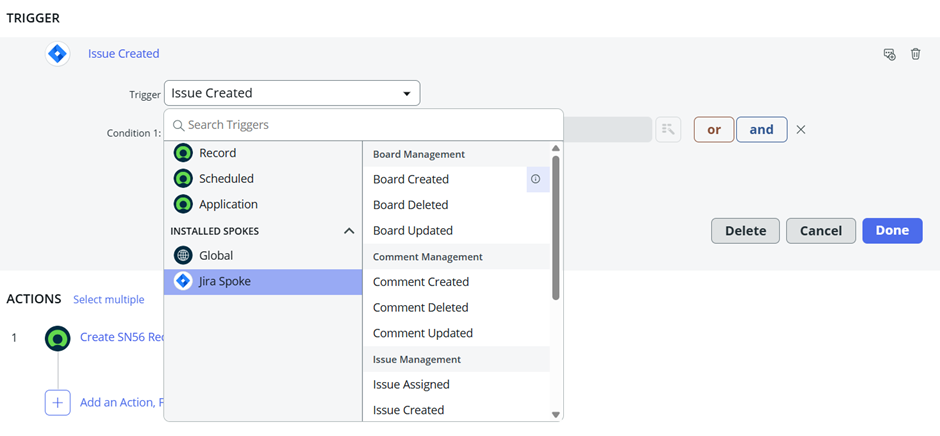
Now Create a flow for testing the Jira connection

Step1:
image

Step2:

image

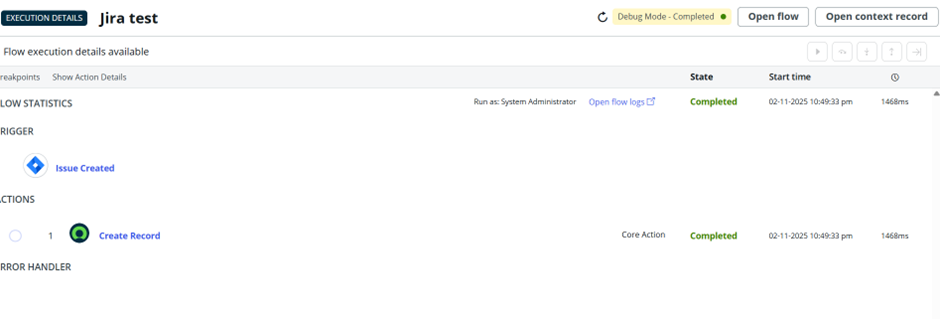
Step3: Debug the flow

image

ServiceNow – Jira Integration Full Video

Dive deeper into the capabilities of connecting ServiceNow and Jira by watching our comprehensive video. Our full video provides an in-depth look at the advantages and functionalities offered by ServiceNow – Jira Integration. Don’t miss out – watch our full video now for a complete understanding.

ServiceNow Flow Designer Course in English

You’re looking for a comprehensive educational resource to guide you through the intricacies of ServiceNow Flow Designer, aiming to complete a full course on the subject. Your goal is to gain in-depth knowledge and practical skills related to Flow Designer within the ServiceNow platform, covering all the essential topics and advanced techniques typically included in a complete training program.

Leave a Comment

Your email address will not be published. Required fields are marked *

0

Subtotal